“The button, no, the other button”
Five messages to point at one thing on a page. A circle and an arrow would have done it.
 Draw & HighlightAdd to Chrome
For feedback, lessons and bug reports
Draw right on the page you are reading. Highlight a line, circle a bug, point an arrow, write a note, then save the page as a PNG to drop into chat or a ticket. Marks stay after a reload. Free, no account.
The real extension
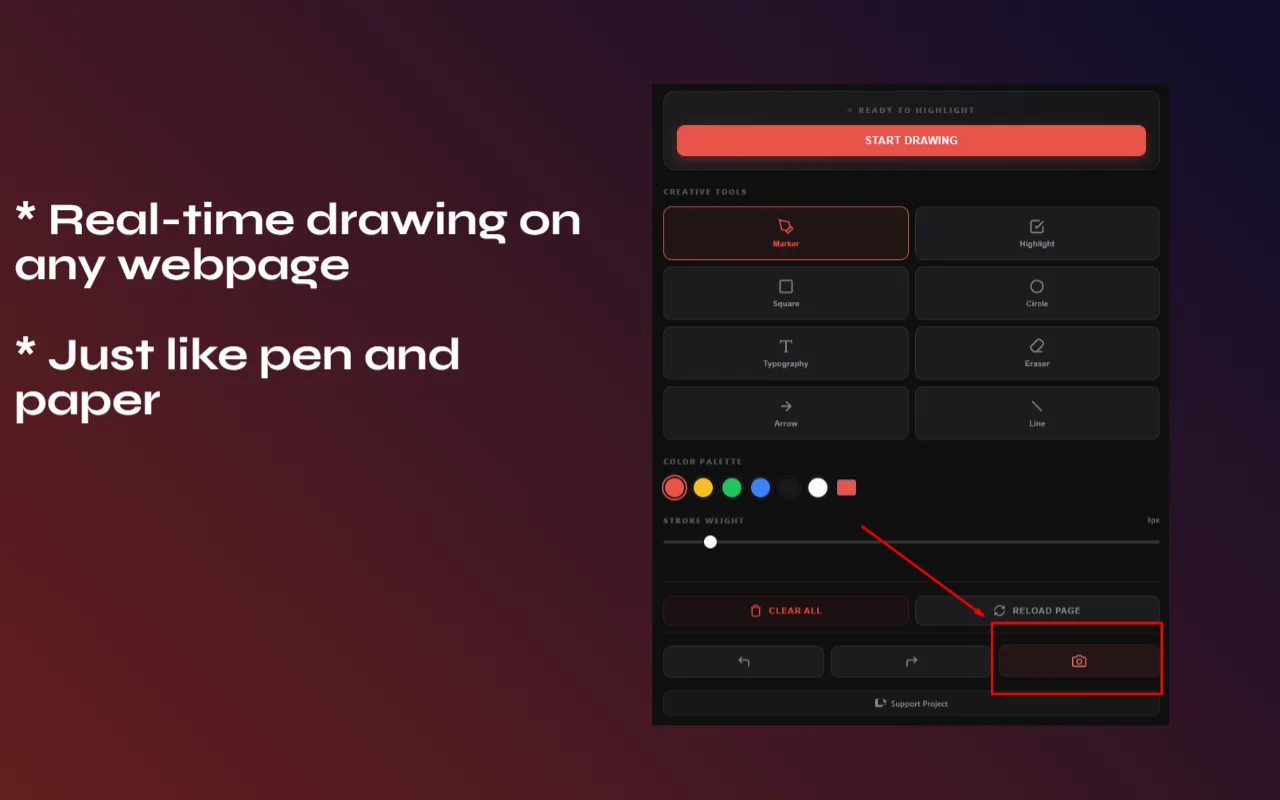
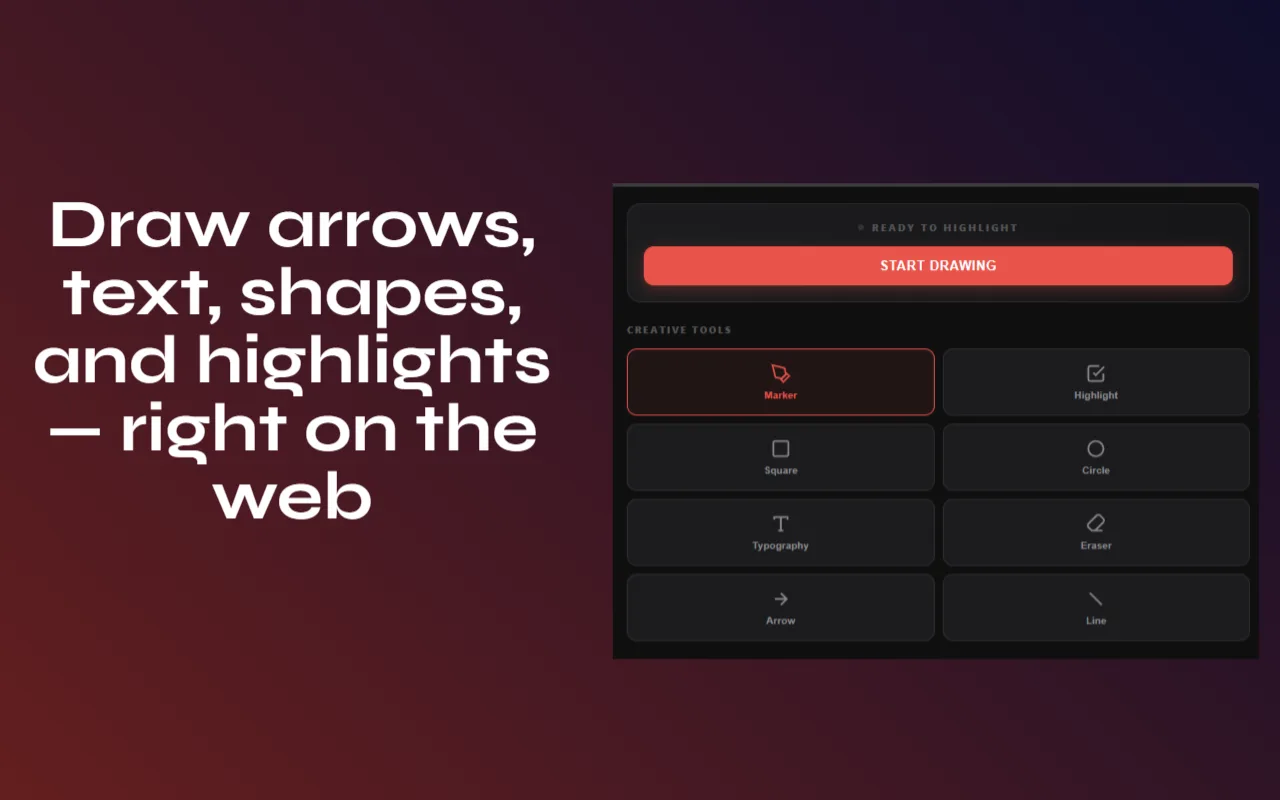
Marker, highlighter, square, circle, arrow, line, text and eraser, with color dots and a stroke slider. Undo and redo with Ctrl+Z and Ctrl+Y.
Sound familiar?
Five messages to point at one thing on a page. A circle and an arrow would have done it.
Four apps to say “this is broken”. By the time you send it, you forgot the second bug.
You need to underline what you are talking about, live, on the page itself.
Highlights on the page that are still there when you come back beat a separate notes file.
How it works
Or click the icon and press Start Drawing. A small toolbar opens on the page you are on.
Pen, highlighter, arrow, line, box, circle or text, in any color and width. Ctrl+Z undoes a stroke, Ctrl+Y brings it back.
Save the page with your marks as a PNG to send in chat, a ticket or a lesson. Marks stay on the page after a reload until you clear them.
What it does
Freehand marker and a see-through highlighter in any color and width. The eraser cleans up mistakes, Ctrl+Z undoes the last stroke.
Arrows, lines, boxes and circles snap a shape where you drag, and the text tool writes a note anywhere on the page.
Save the page with your marks as a PNG in one click. Your annotations are kept for that page and come back when you reopen it, until you clear them.
Draw
Shapes & notes
Keep & share
Privacy
Marks are drawn on a layer in your browser and saved in Chrome storage on your computer. There is no server and no account.
Nobody else sees your drawings. Reloading or clearing them never changes the website.
So the toolbar works on whatever page you are on and can redraw your saved marks when you come back. It does not read or send page content.
The PNG is saved to your Downloads folder. Where it goes after that is up to you.
Price
All drawing tools, shapes, text, saved annotations and PNG export are free, with no account.
$0
No account, no trial clock.
Pay once
A one-time Pro is in the works. No subscription. Free stays free.
Full-page capture, clipboard copy and the Pro launch. A few emails a year, unsubscribe anytime.
No spam. Unsubscribe anytime.
Follow along
Good to know
No. Your marks are drawn on a layer over the page in your browser only. Nobody else sees them, and reloading the site does not touch its content.
Yes. Annotations are saved in Chrome storage for that page and come back when you open it again, until you clear them.
Save a screenshot of the page with your marks as a PNG, then drop it into Slack, an email, a bug ticket or your slides.
So the drawing layer can open on whichever page you are on and redraw saved marks when you come back. It does not read or send page content anywhere.
Yes, every tool on this page is free, with no account and no watermark. A one-time Pro is in the works; leave your email to hear when it is ready.
Free on Chrome for Mac, Windows, Linux and ChromeOS.
Add to Chrome, it’s free