You cannot find the one tab you need
The titles shrank to icons an hour ago. You open the page again instead.
 Tab ManagerAdd to Chrome
For people with 40 tabs open
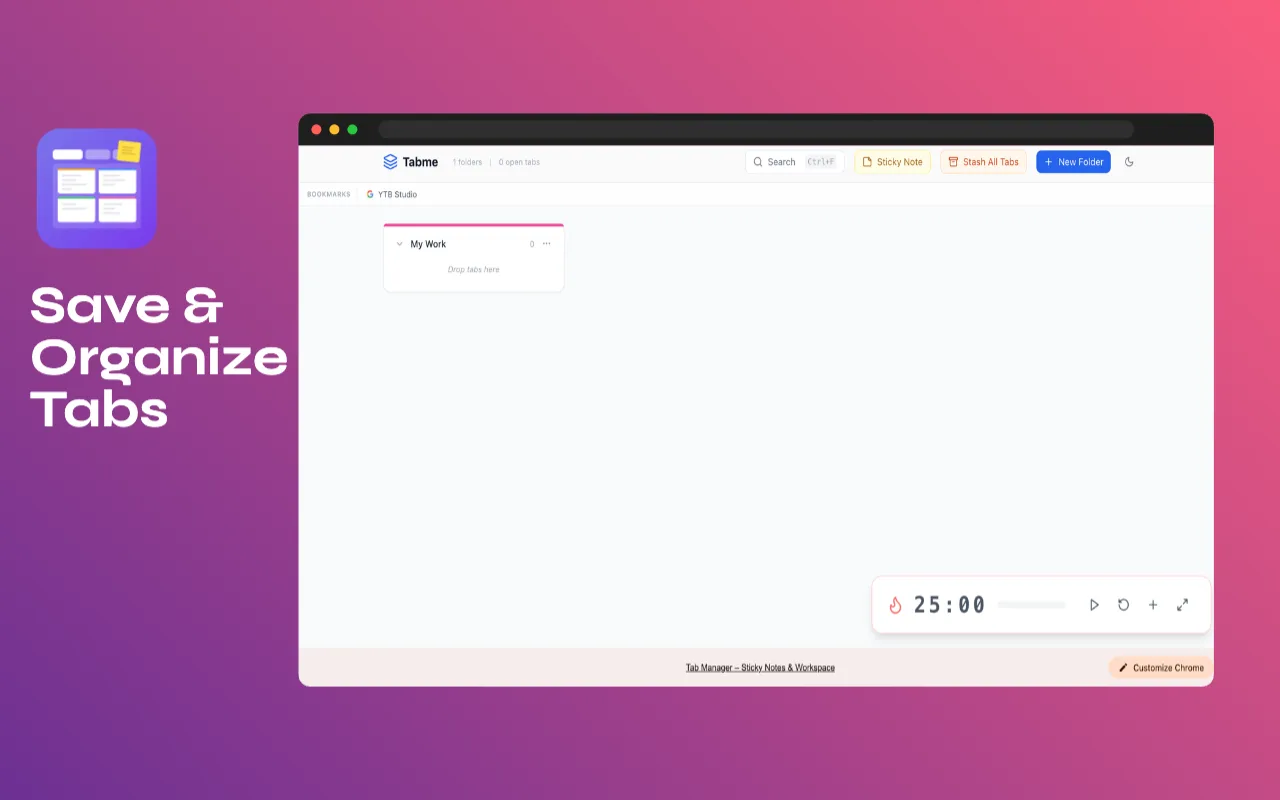
Tab Manager turns your new tab page into a workspace. Stash every open tab into a session in one click, sort tabs into color folders, keep sticky notes beside them and focus with a Pomodoro timer. All saved on your computer.
The real new tab page
Screens from the extension as it is on the Chrome Web Store today.
Sound familiar?
The titles shrank to icons an hour ago. You open the page again instead.
Closing them feels like losing the work, so Chrome gets slower every day.
Client A’s docs sit between Client B’s tickets, and every switch costs a minute.
The reminder about the tab is in a notes app, the tab is in Chrome, and neither is where you look.
How it works
Tab Manager replaces the new tab page with your workspace: folders, notes, search and the timer, with your bookmarks bar on top.
Stash every open tab into a session in one click, or drag tabs into color folders. Your tab bar is clean again.
Restore a whole session when you return to the project, jot a sticky note for later, and run a 25 minute focus timer.
What it does
One click saves every open tab as a session and clears the tab bar. Restore the session and every tab opens again.
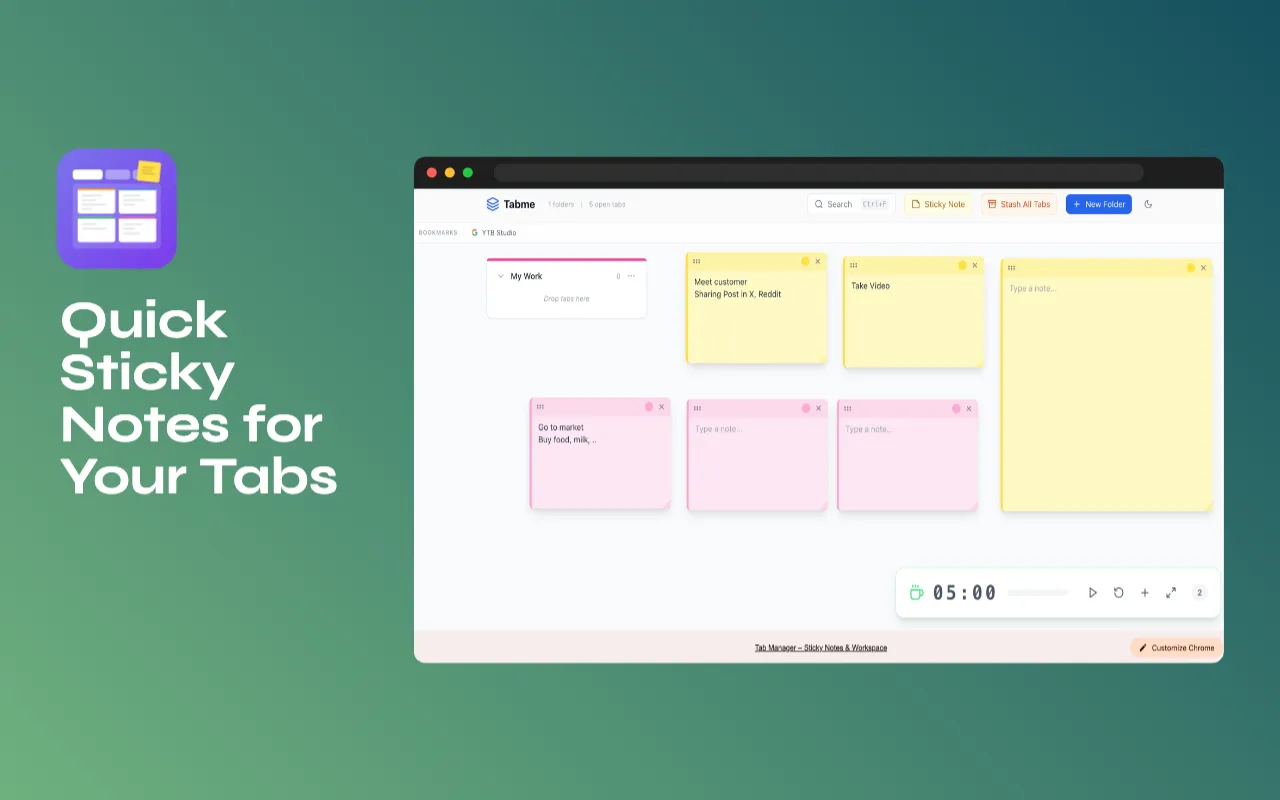
Add floating notes on the dashboard in 4 colors. Drag them anywhere and resize them to fit a to-do list.
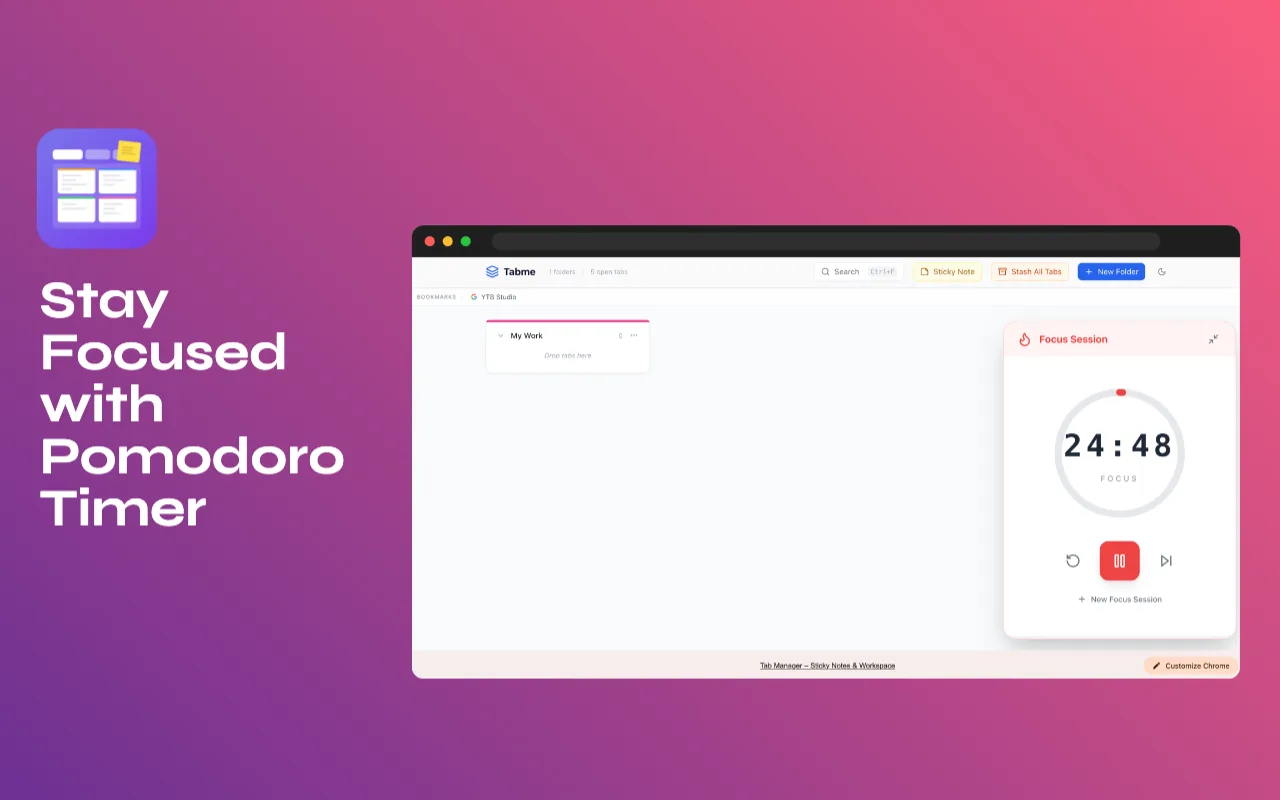
25 minutes of focus, 5 minutes of break, with a ring that shows how much is left and a notification when time is up.
Search open tabs, bookmarks and recently closed tabs at once with Ctrl+Shift+F. The auto tab grouper sorts tabs by website and knows 25+ popular web apps.
Tabs
Workspace
Speed
Privacy
Folders, sessions and notes are saved in Chrome storage on your computer. There is no account and no server.
No analytics and no ads in the extension.
To list, save, group and reopen your tabs, which is the whole job. It does not send them anywhere.
The bookmarks bar on the new tab page reads your Chrome bookmarks so you can click them. It does not change them.
Price
Folders, sessions, sticky notes, the timer, search and auto grouping are free, with no limit and no account.
$0
No account, no trial clock.
Pay once
A one-time Pro is in the works. No subscription. Free stays free.
New features and the Pro launch, a few emails a year. Unsubscribe anytime.
No spam. Unsubscribe anytime.
Follow along
Good to know
Yes, that is where the workspace lives. Your Chrome bookmarks bar is shown on top of it, so you do not lose quick links.
In Chrome storage on your own computer. There is no account, no server and no tracking.
Yes. Stash All Tabs saves your open tabs as a session; restore it and every tab opens again.
It can. The auto tab grouper groups tabs by website, recognizes 25+ popular web apps by domain, and lets you add your own rules.
Yes, every feature on this page is free. A one-time Pro is in the works; leave your email if you want to hear when it is ready.
Free on Chrome for Mac, Windows, Linux and ChromeOS.
Add to Chrome, it’s free