Automatic
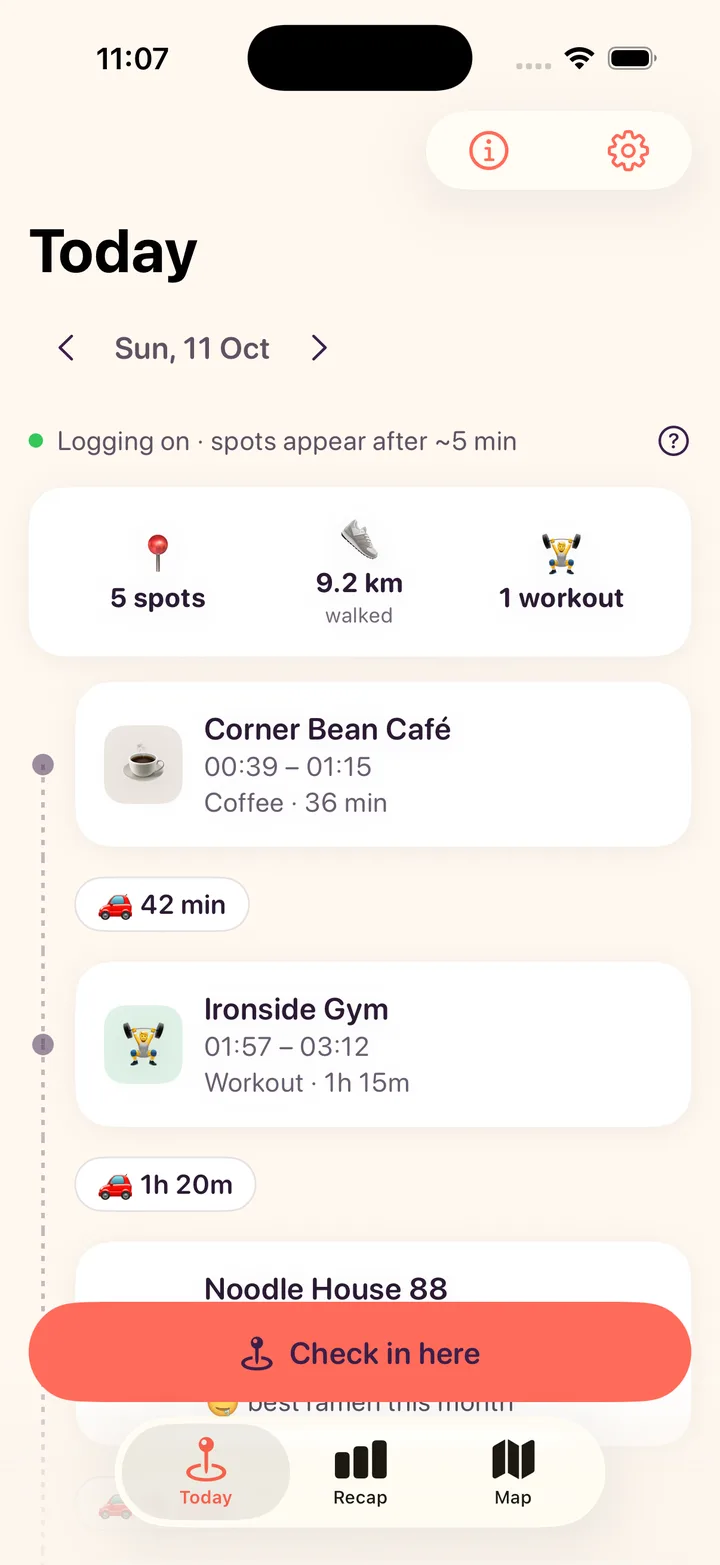
A timeline that writes itself
Places, times and the walk, bike, car or train in between. No check-ins.
 HauntsGet notified
For people who go places · iPhone
Haunts remembers the places you stop at, the café, the gym, the ramen spot, and turns them into a timeline you can fill with photos. No typing, no check-ins.
No spam. Unsubscribe anytime.
In testing now · App Store first · Free to start · No account




Photos on every place
Your camera roll has the pictures. Haunts has the places. Pin them together and every spot on your timeline gets its own photos.
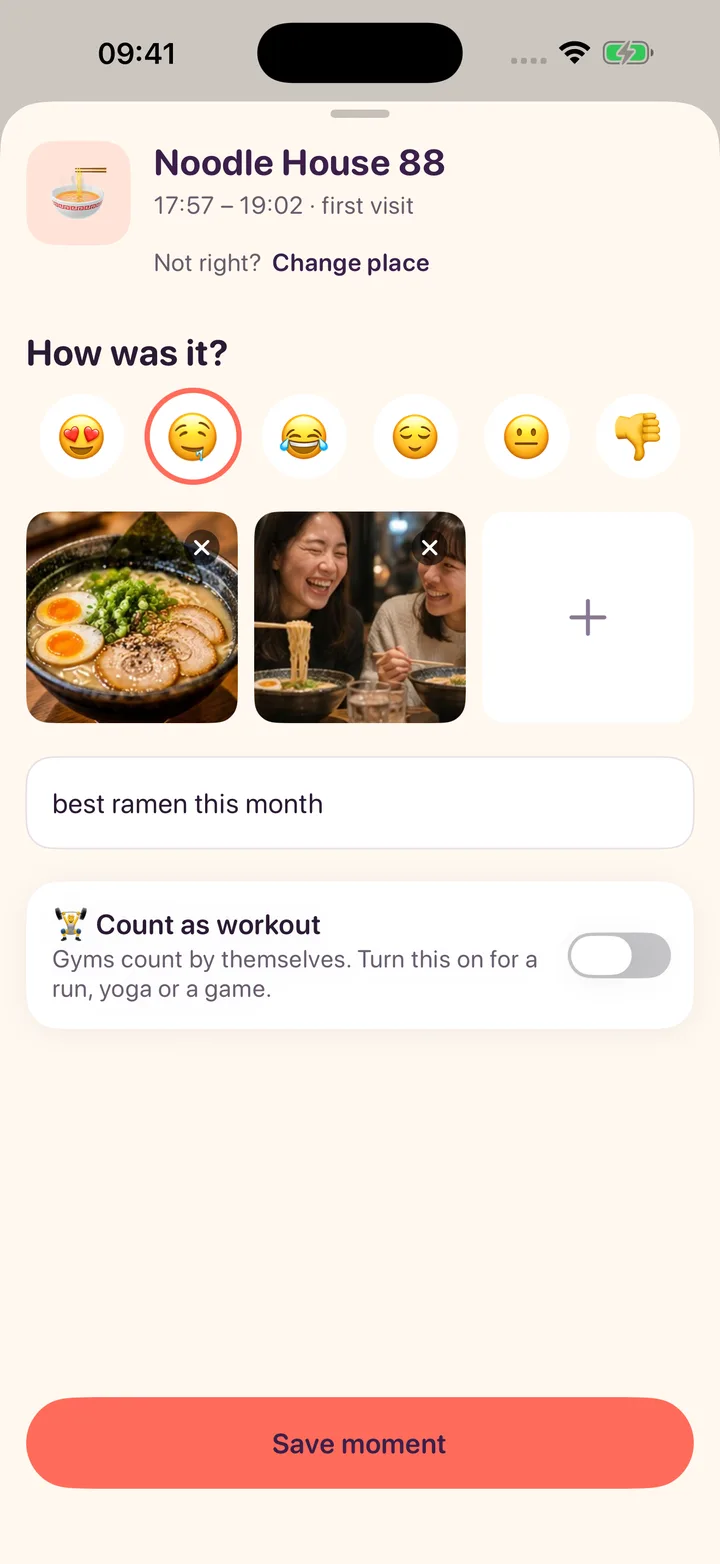
Open any stop on your timeline and add up to 4 photos, an emoji and one line.
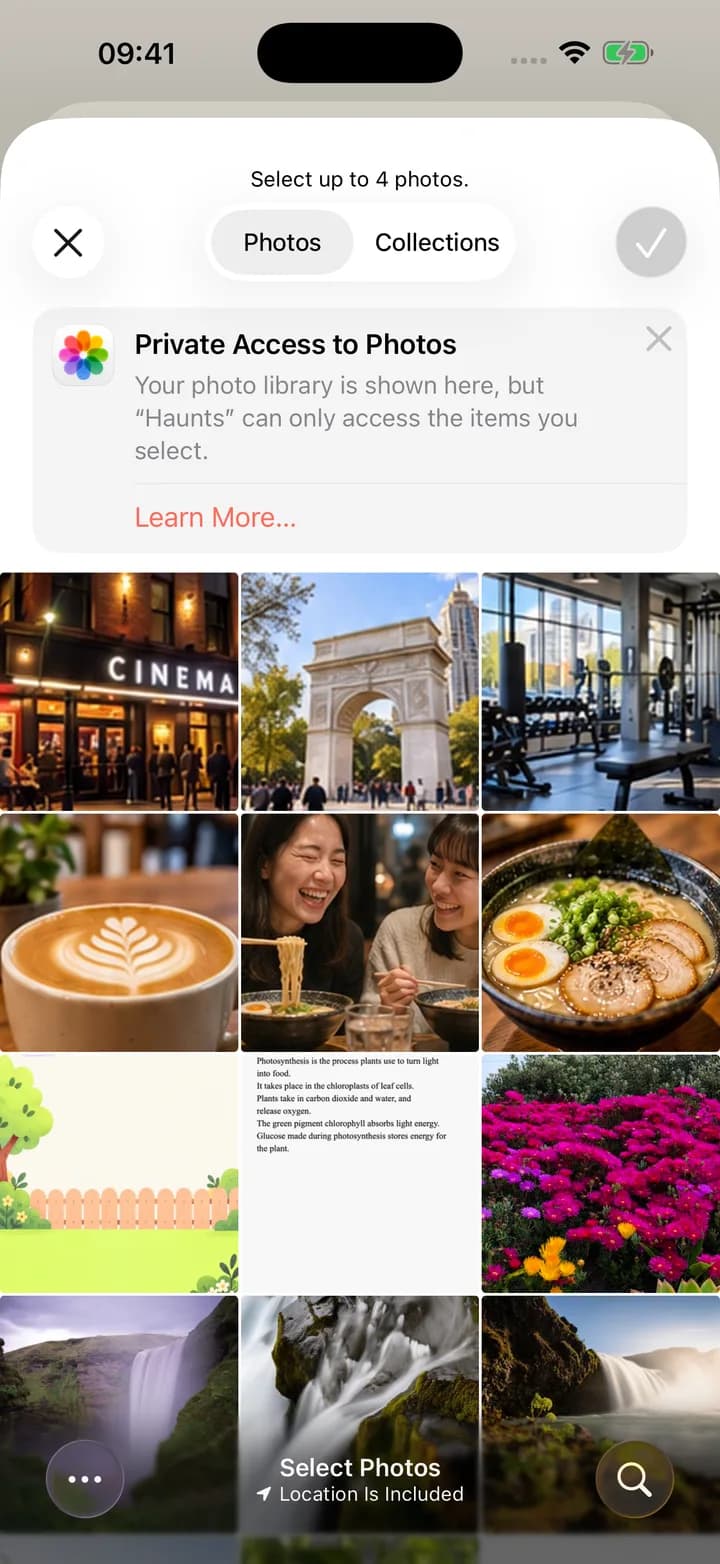
The iPhone photo picker opens. Haunts sees only the photos you choose, never your whole library.
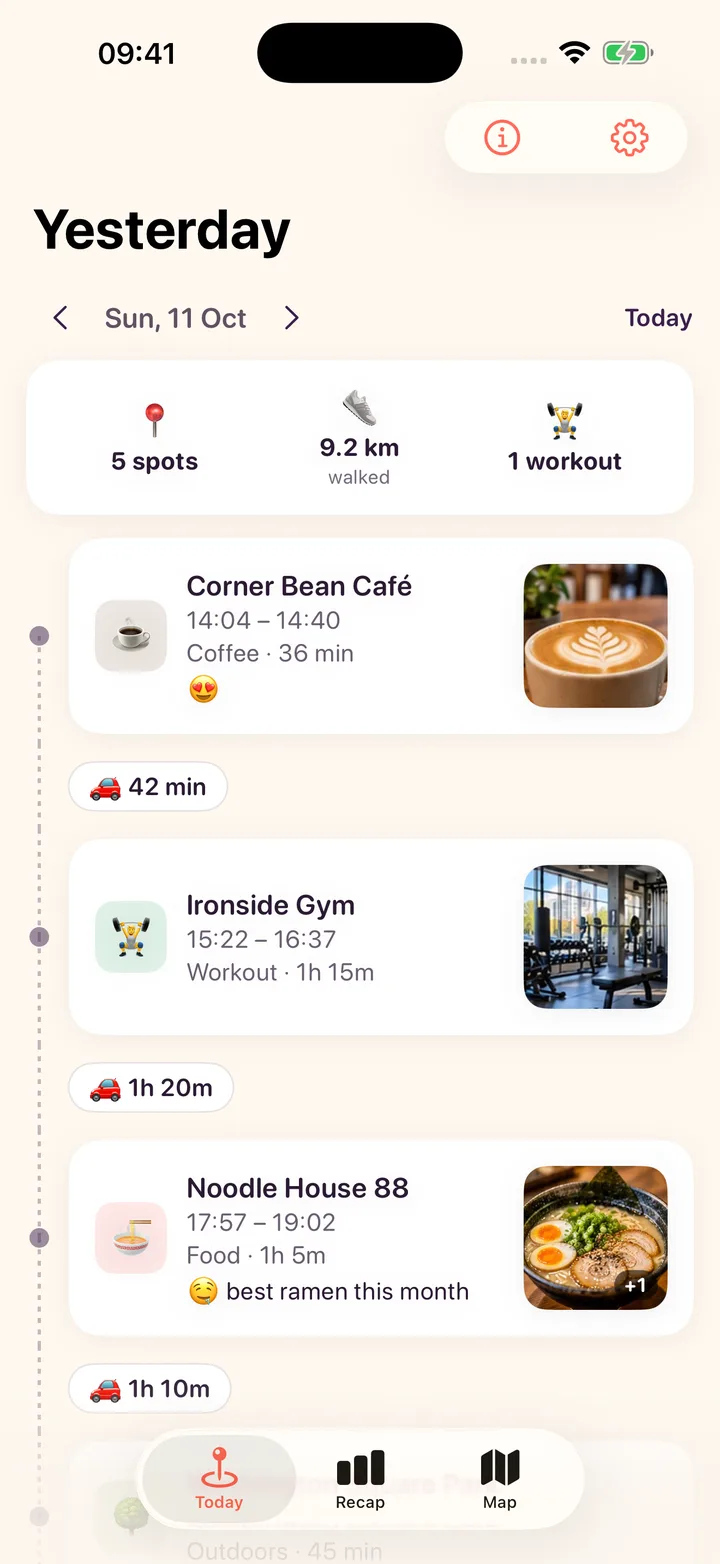
Each place on the timeline shows its photo. Scroll back and the day comes back with it.
One day in Haunts
Real screens from the test build, with demo places. The demo video comes with the App Store launch.
All day
Stay somewhere about 5 minutes and it lands on your timeline, named from Apple Maps, with how you got there in between.
Tonight
Up to 4 photos, an emoji and a line on any place. Wrong name? Change place once and it remembers.
Anytime
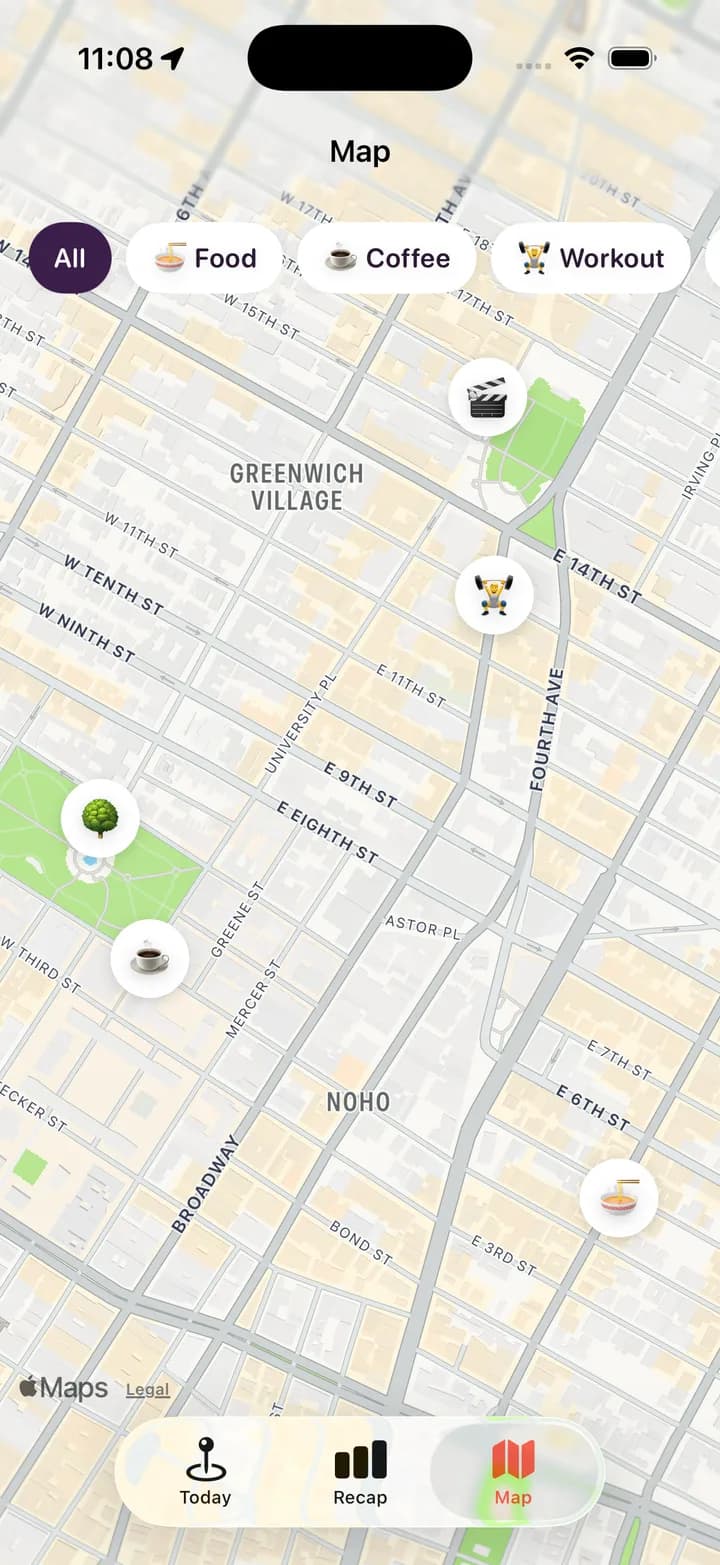
Every place from the last 7 days as a pin. Filter by food, coffee, workouts and more.
Sunday
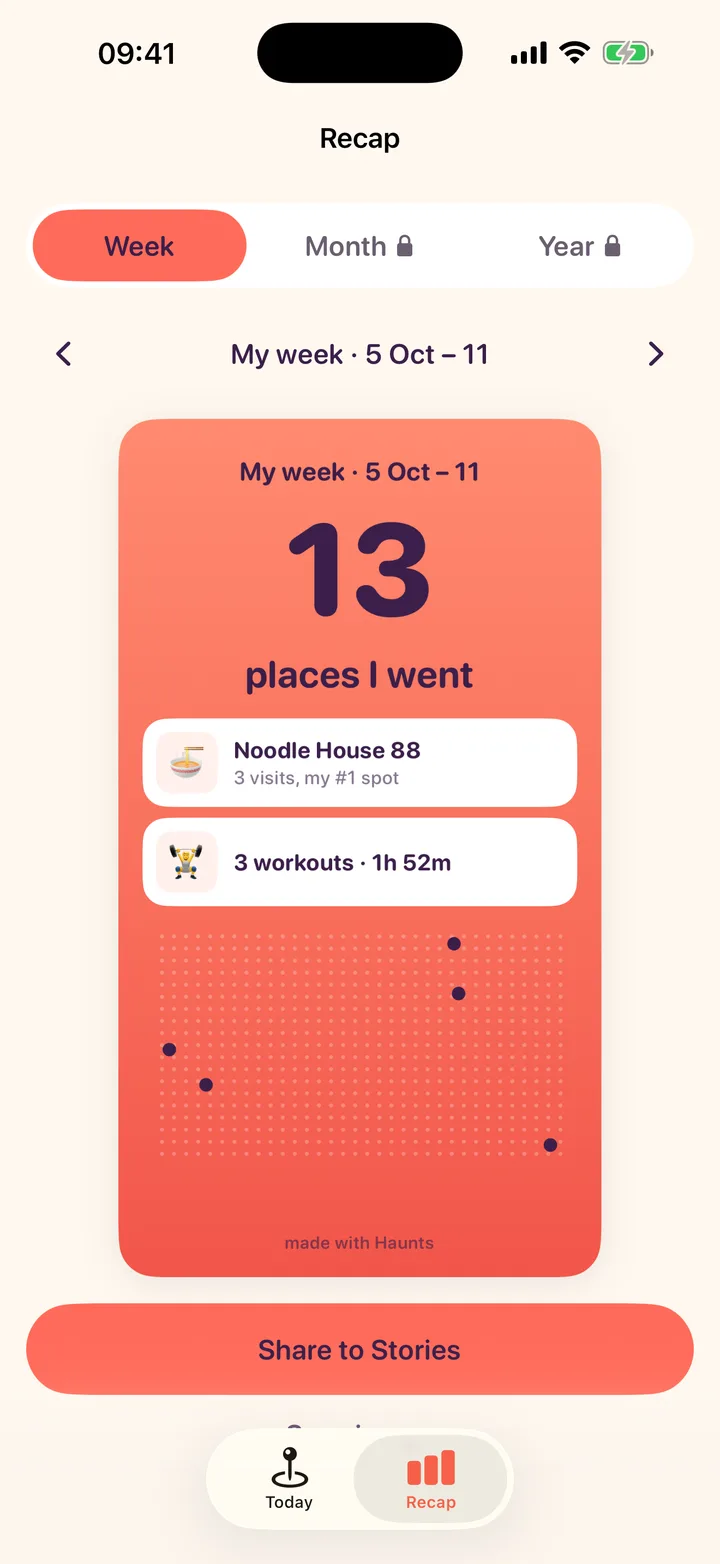
Places you went, your #1 spot and your workouts on one card. Share it to Stories or save it to Photos.
Sound familiar?
You were there two months ago. It was great. The name is gone, and so is the street.
Day 1: three paragraphs. Day 4: nothing. Writing it down every night is a chore nobody keeps up.
Google Maps moved Timeline off the web. Years of places now sit in an export file you never open.
How it works
Tap Allow, then Always Allow. Haunts uses the visits iOS already detects, so it does not run GPS all day.
Stay somewhere for about 5 minutes and it shows up on Today with its name and a tag: food, coffee, workout, fun or outdoors.
Every week a recap card sums up your places, your #1 spot and your workouts. Share it to Stories or save it to Photos.
What's inside
Automatic
Places, times and the walk, bike, car or train in between. No check-ins.
Photos
Up to 4 photos, an emoji and a line on any stop. You pick the photos; your library is never read.
Weekly recap
A 9:16 card every week: places, #1 spot, workouts and first-time spots.
Map
Last 7 days as emoji pins, filtered by food, coffee, workouts or fun.
Pro
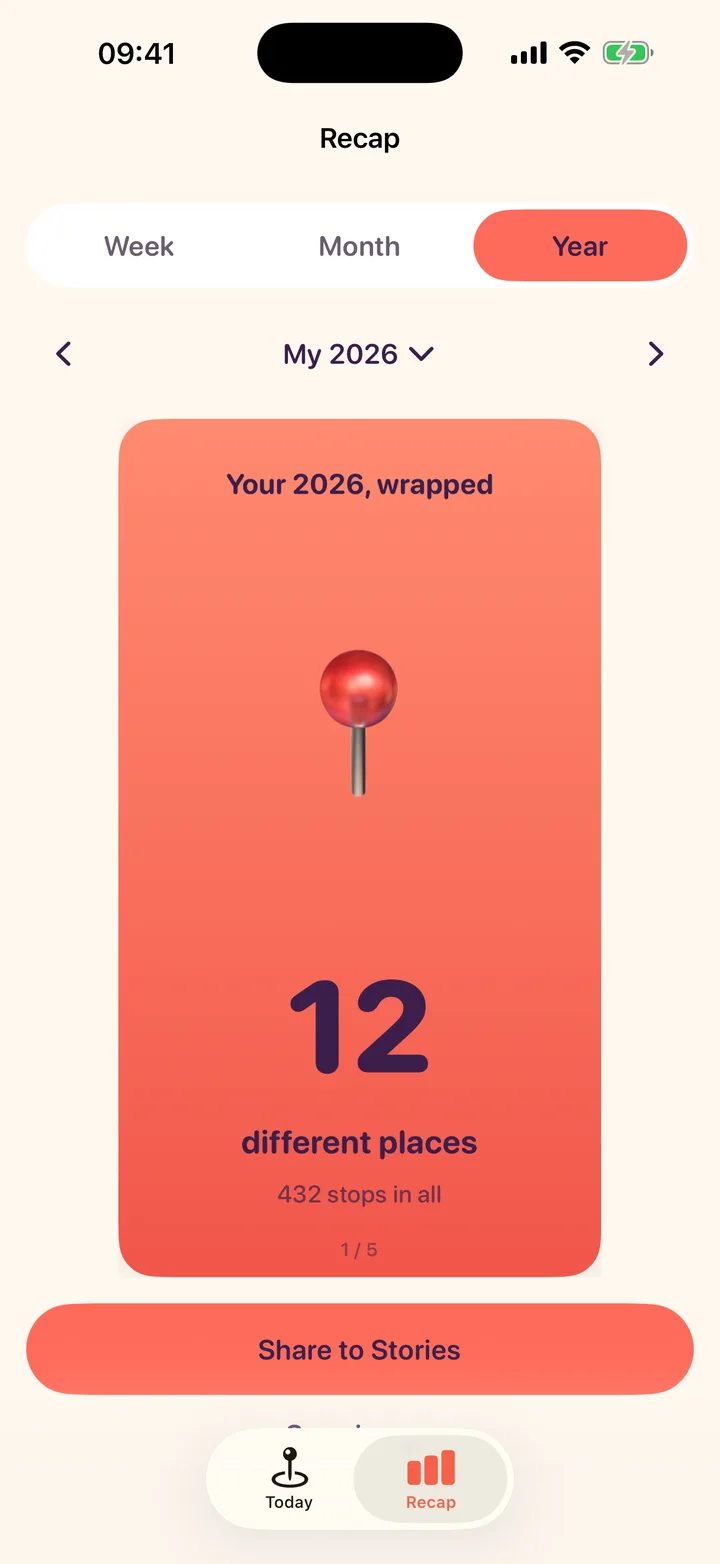
Monthly and yearly Wrapped, page by page, for this year and every year you import.
Your data
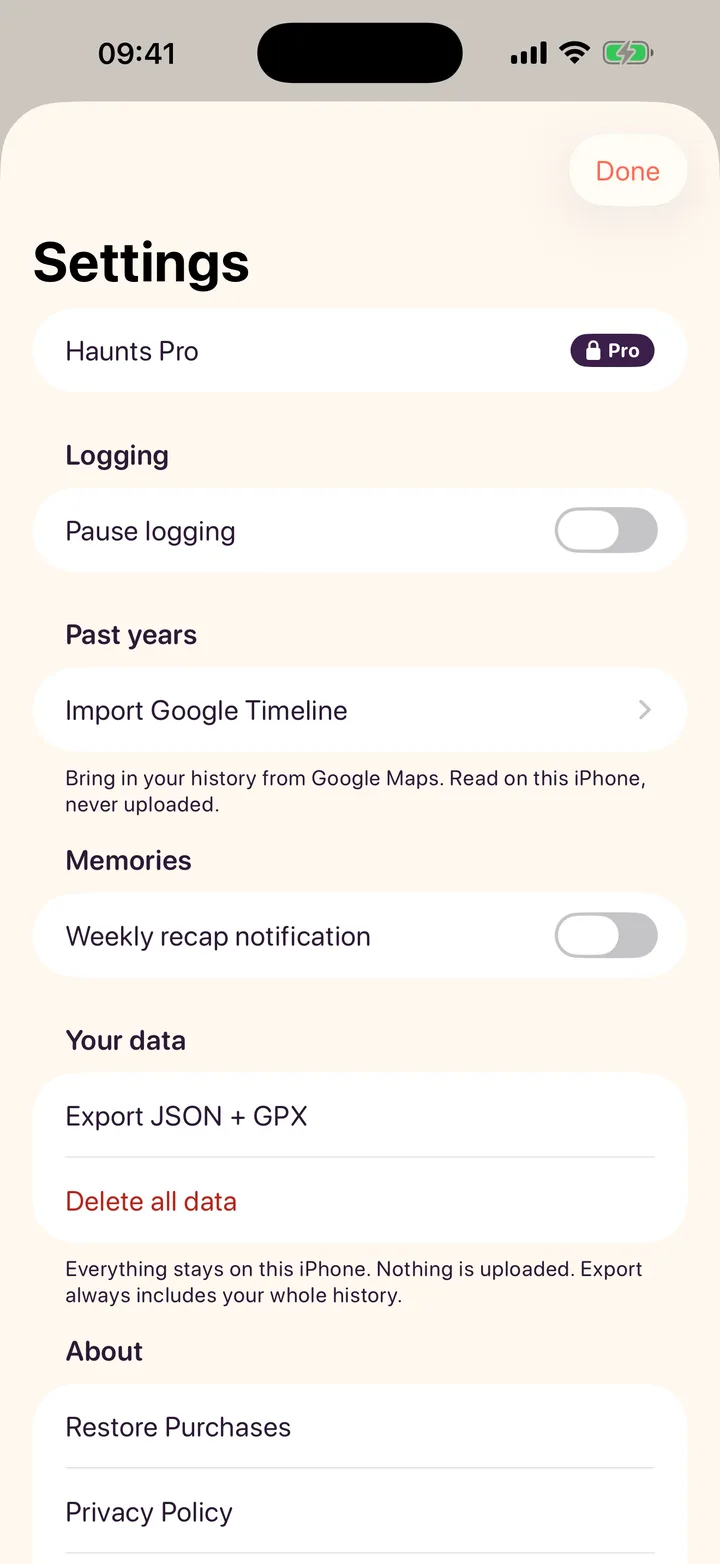
Pause logging anytime. Export everything as JSON and GPX. Delete it all, with a double check.
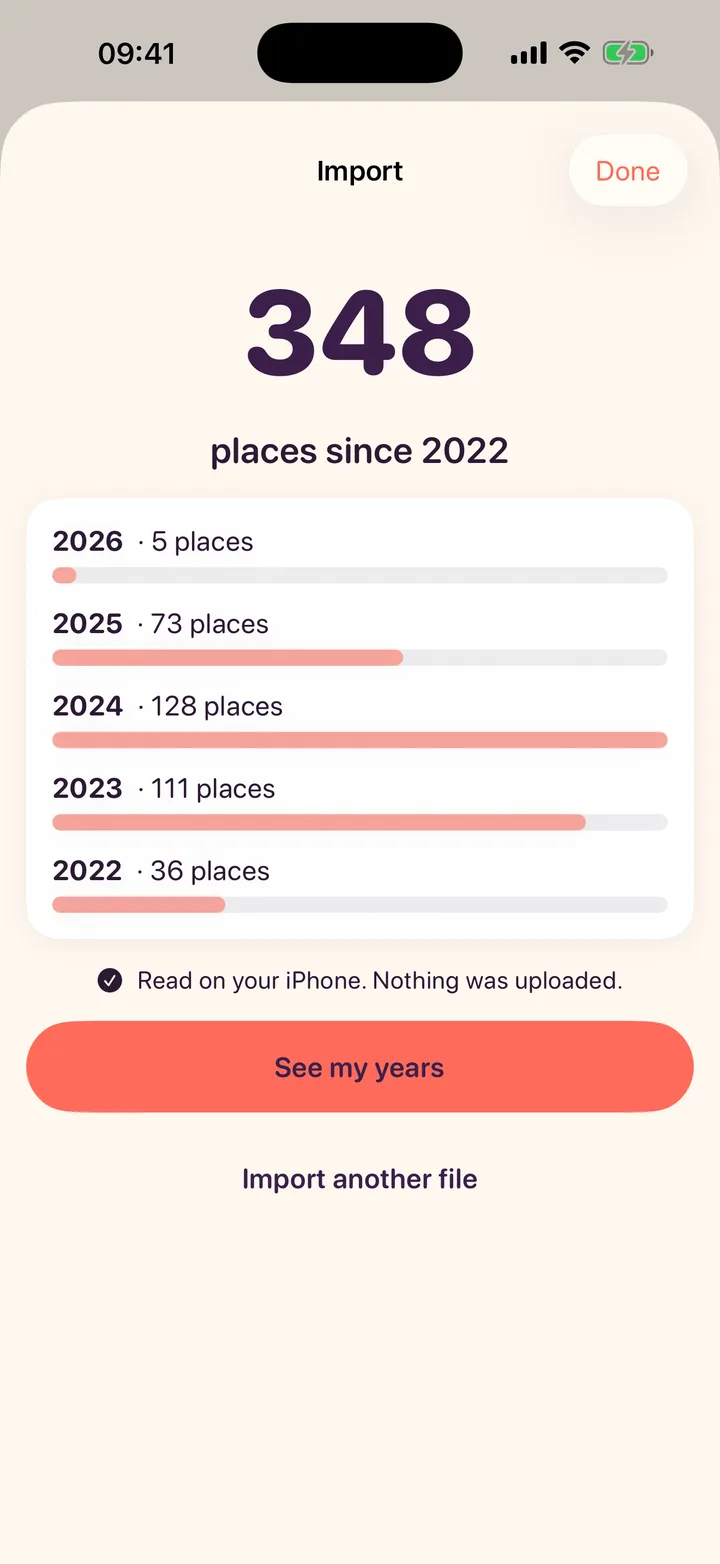
Day one, years of memories
Export Timeline from Google Maps, choose the file, and Haunts fills in the years you already lived. It is read on your iPhone and never uploaded.

Private by design
No sign-up, no email, no password. Open it and it works.
No servers, no analytics, no ad tools. We never see where you go.
Nothing is posted anywhere unless you share a card yourself.
It uses the visits iOS already detects, not GPS running all day.
The full list is in the privacy policy.
Pricing
Pro is for the big picture: every month and every year, wrapped.
$0
$24.99/year
7 days free · or $3.99/month
Not on the App Store yet. Pro renews automatically until cancelled in Settings › Apple ID › Subscriptions. Only the yearly plan has the 7-day free trial.
Launch day
One email with the App Store link. No spam, unsubscribe anytime.
No spam. Unsubscribe anytime.
FAQ
Not yet. Haunts is in testing on iPhone and comes to the App Store first. Leave your email and you will get one email when it is live.
Only you. Your history is stored on your iPhone. There is no account, no server, no feed and no friends list, and no analytics or ad tools are in the app. Details are in the privacy policy.
Haunts listens for the visits iOS already detects instead of running GPS all the time. A place shows up after you stay about 5 minutes, sometimes a little later indoors.
Yes. Tap any place on your timeline and add up to 4 photos with the iPhone photo picker, plus an emoji and a short note. Haunts only sees the photos you pick, keeps a copy inside the app on your iPhone and never uploads them.
Yes. Export Timeline from Google Maps on your phone (Your Timeline › Export) and choose the file in Haunts. It is read on your iPhone, never uploaded. Free shows the last 30 days; Pro opens every past year.
Monthly and yearly Wrapped, every past year from your import, sharing without the made with Haunts line, and your timeline beyond 30 days. $24.99 a year with a 7-day free trial, or $3.99 a month. Logging, the weekly recap and export stay free.
Not for now. Haunts is built for iPhone first.

Your life, wrapped. Every week.
Tell me when it's live