
Lost Between Terminal Windows and AI Chat Tabs
Six terminals, four chat tabs, two editors — and you can't tell which window belongs to which project. How to stop hunting windows and open the right one.

On this page · 7 sections
Cmd-Tab. No. Cmd-Tab. No, that's the book repo. Cmd-`. Which of these three terminals is running the game build? Why does this chat tab say "continue" and nothing else?
You finally find the right window, type your prompt — and realize two lines later that you're in the wrong project.
Part 6 of Working for the AI — the window maze that grows around parallel agents.
The short answer#
- Running agents on several projects leaves a maze of terminals and chat tabs that all look the same.
- Hunting for the right window is a small cost paid dozens of times a day — and it invites mistakes, like typing into the wrong project.
- Open windows from the task, not the other way round: task → folder → session, every time.
- Close sessions when a task is done; a window you don't need is a window you'll mistake for one you do.
How the maze grows#
Every task opens something: a terminal for the agent, another for the dev server, a chat tab to think, an editor for the diff. Few of them get closed, because you might need it. By the afternoon:
- Terminals all look the same — black, a prompt, some scrollback.
- Chat tabs are titled after their first message.
- Nothing tells you which window belongs to which task.
So you hunt. Each hunt takes seconds, but you do it dozens of times a day, and every hunt is a small context switch. Worse, it invites the classic mistake: the right prompt in the wrong window.
Open from the task, not from the window#
Flip the order. Instead of finding a window and remembering what's in it, start from the task:
- Pick the task.
- Open its folder.
- Resume its session — or start a fresh one there.
The window is created by the task, so you always know what it's for. This is the same principle as noting which session belongs to which task: the task is the index, windows are disposable.
Close windows when tasks close#
When a task is done or parked, close its windows. Nothing important should live only in a terminal's scrollback or a chat — it belongs in the repo's state file. If closing a window feels risky, that's a sign something needs to be written down first.
A good end-of-day check: could you close every window right now without losing anything? If yes, your state is where it should be.
Fewer windows, same parallelism#
You can still run agents in parallel. Just keep open only what you're actively watching — and when you want to check on the others, open them from their tasks. The agents do the parallel work; you don't need to watch every one of them at once. That's how you stop being the router for your agents.
Keep reading#
Frequently asked questions
How do I manage many terminal windows for different projects?
Don't keep them all open. Open a terminal from the task you're working on, in that project's folder, and close it when the task is done.
How can I tell which Claude session is running in which window?
Start each session from its project folder, one task per session, and name or note the session next to the task. A window you can't identify should be closed, not guessed at.
Is it bad to run several AI agents in parallel?
No, but keep the number of open windows to what you're actively watching. Parallel agents with a clear task → window mapping are fine; a pile of anonymous windows isn't.
Sources
Related reading
AI Tools & Models
Running Your AI Agent in the Wrong Project Folder
You gave the agent a clear task and it edited the wrong repo. Why agents end up in the wrong folder with many projects, and how to make it nearly impossible.
AI Tools & Models
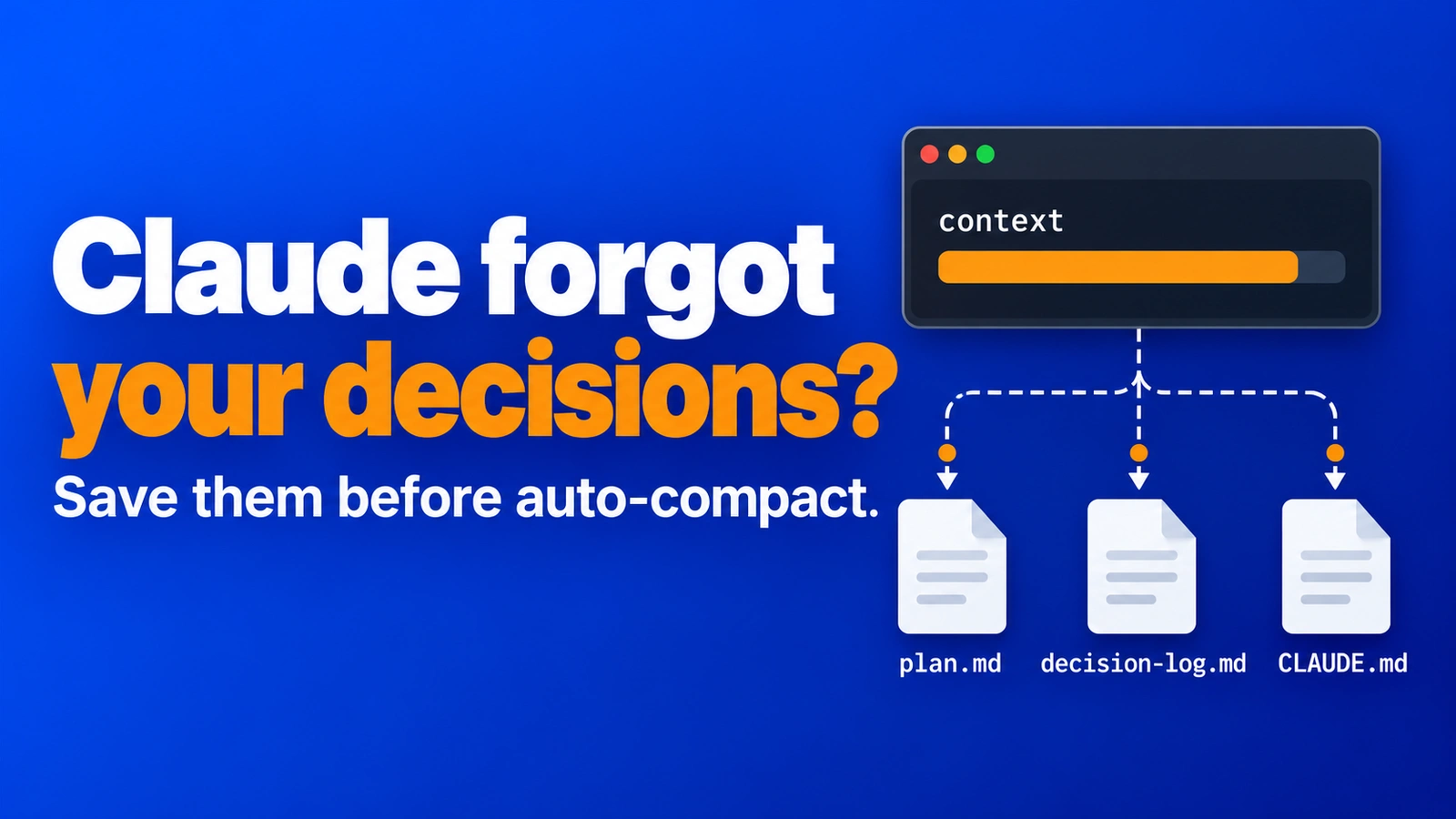
Claude Code Context Full? What to Do Before Auto-Compact Eats Your Decisions
Claude Code context full? Learn what auto-compact keeps and drops, when to use /compact vs /clear, and how Markdown files keep your decisions safe.

AI Tools & Models
Can't Find the Claude Session That Had the Fix?
You know the fix was in a chat last week, but which one? Why AI sessions get lost across projects, and a simple habit that makes the right one a click away.