MAC MENU BAR
AgentBellFREE
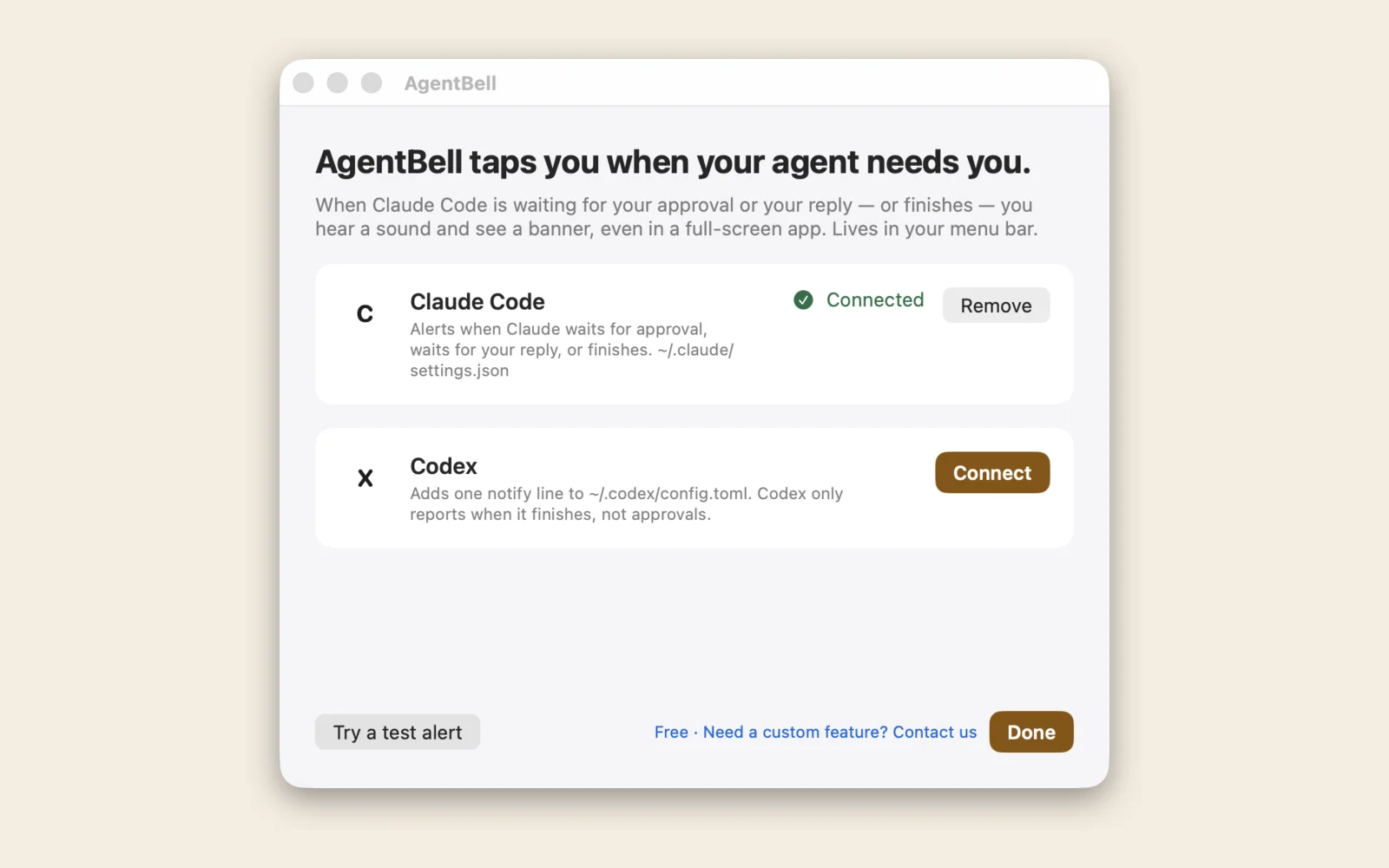
Rings and shows a big banner when Claude Code is waiting for you, then takes you straight back to your terminal. Free.
 ONECLICKTOOLINDEPENDENT STUDIO
MADE FOR MAC
Practical ideas for the place you get things done.
MAC MENU BAR
Rings and shows a big banner when Claude Code is waiting for you, then takes you straight back to your terminal. Free.

MAC STICKY NOTES
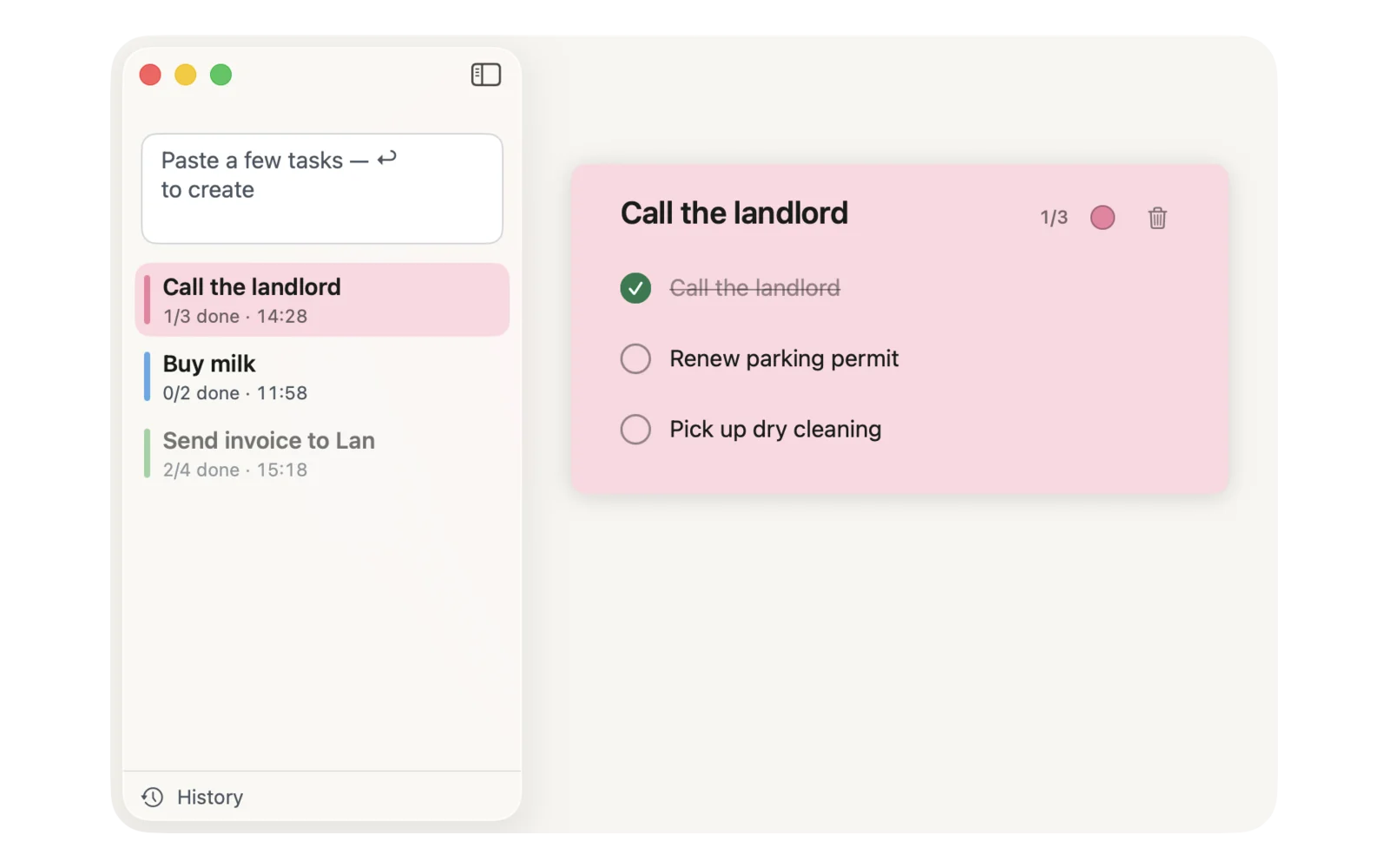
Paste a few tasks and get a checklist on the edge of your screen. Tick them off, toss the note, get on with your day. Free, with no in-app purchases.

STORAGE + SPEED · IN DEVELOPMENT
Mac Fix Kit (coming soon) shows what is really inside System Data on your Mac, and which apps make it hot and slow. Every item says what it is and whether it comes back, then goes to the Trash when you say so. Coming soon: $19 once, no subscription.
DOCUMENT COMPARE · IN DEVELOPMENT
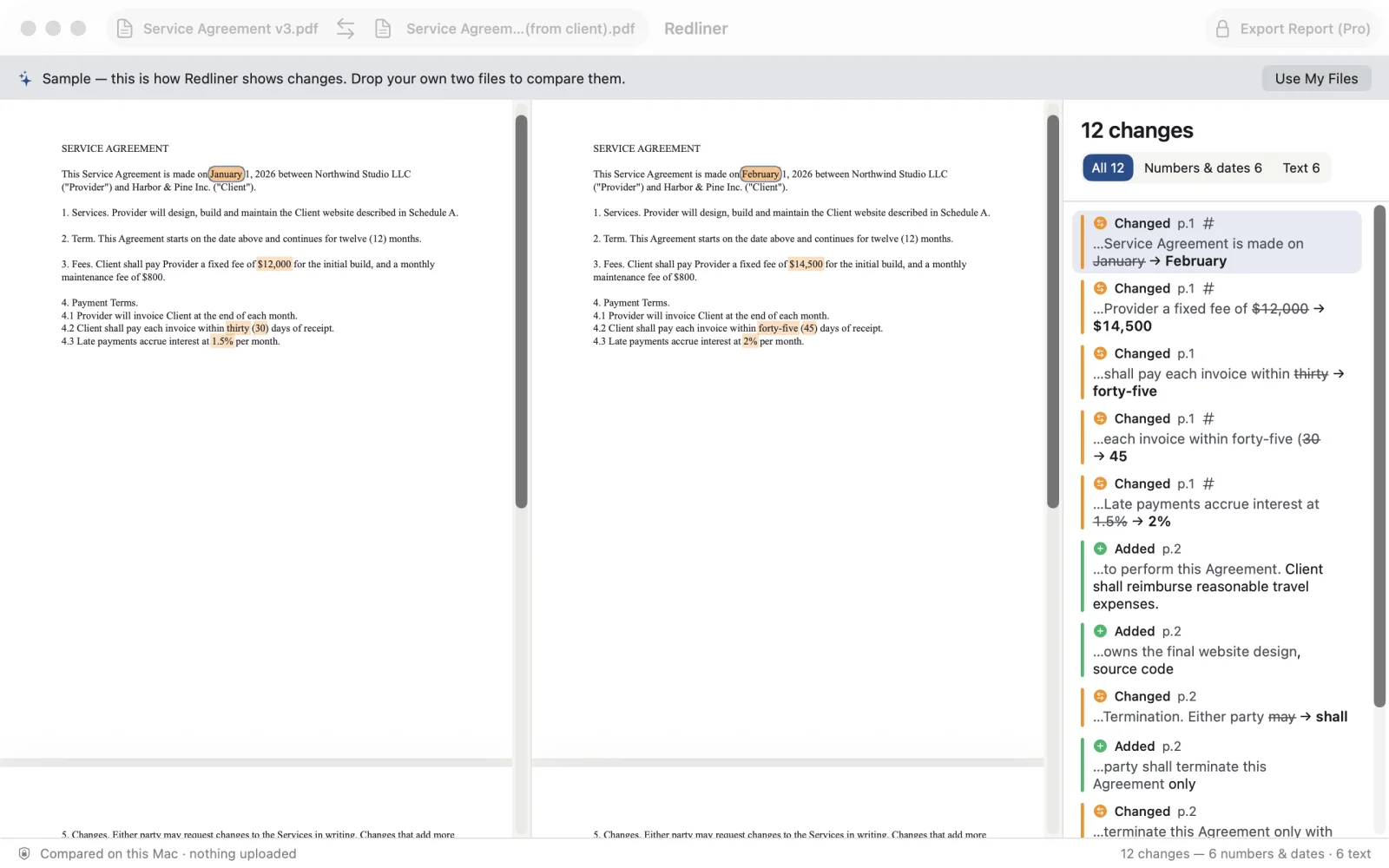
Compare two versions of a contract or quote, PDF, Word or scans, and see every changed word, amount and date. Right on your Mac.
MAC MEMORY RESCUE
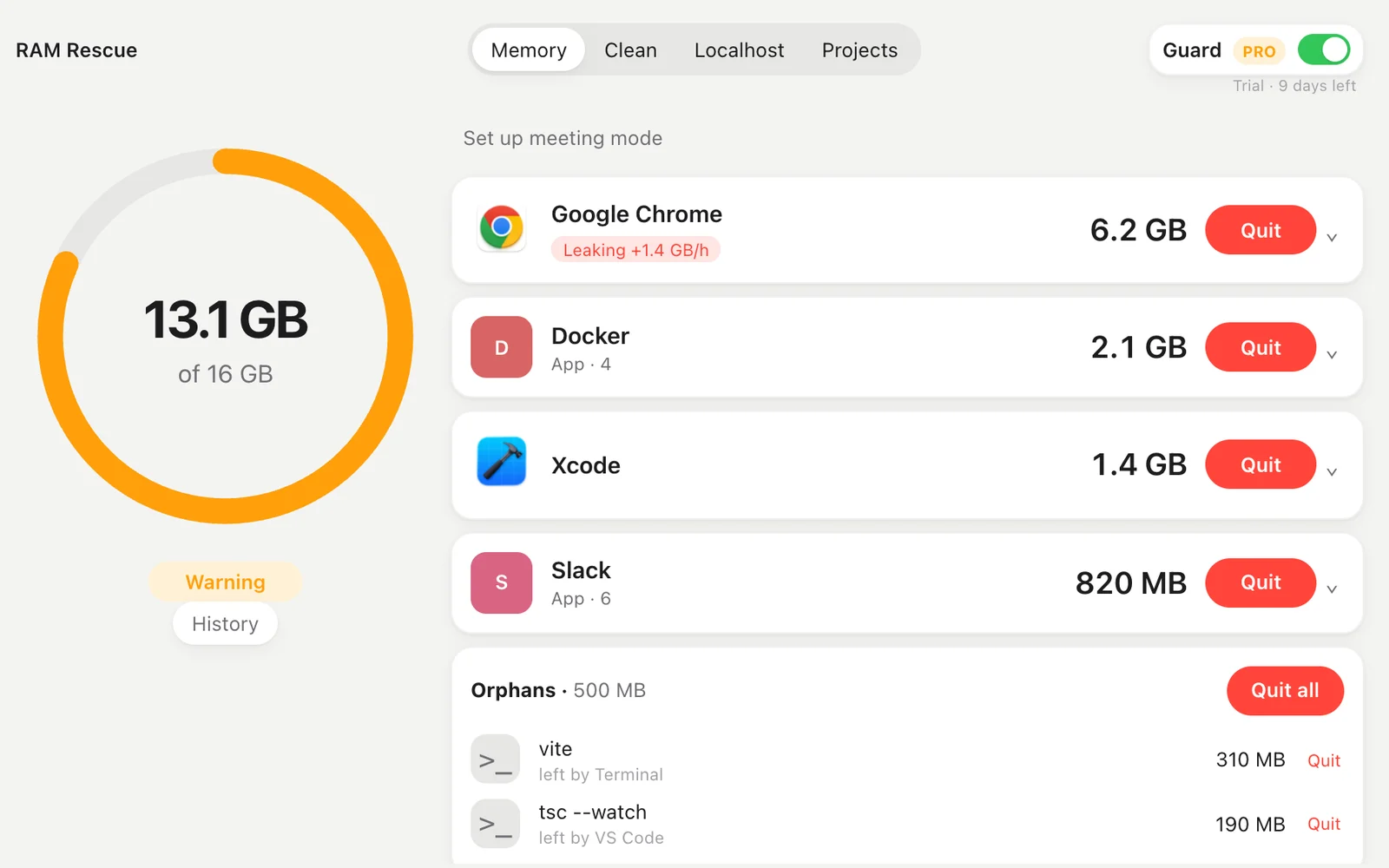
See which apps eat your memory and quit them in one click. Clean Xcode, npm and browser caches. Pro warns you before your Mac slows down.
A DOCK ON EVERY SCREEN
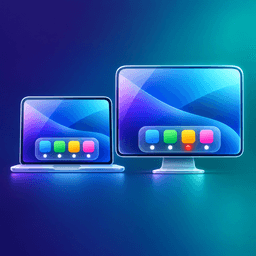
ScreenDocks gives each of your Mac's screens its own Dock, so the Dock stops jumping to the other monitor. With RAM on Dock, a yellow dot marks heavy apps and the heaviest one gets a red dot and its size, so you know what to quit when your Mac slows down. Free: one Dock on your main screen with every style. Pro: a Dock on every screen and RAM on Dock, $12.99 once.
