
Half-Finished Side Projects You Forgot You Started
You find a repo you were excited about three months ago, 70% done and untouched. Why side projects quietly vanish, and how to keep every one visible.
On this page · 7 sections
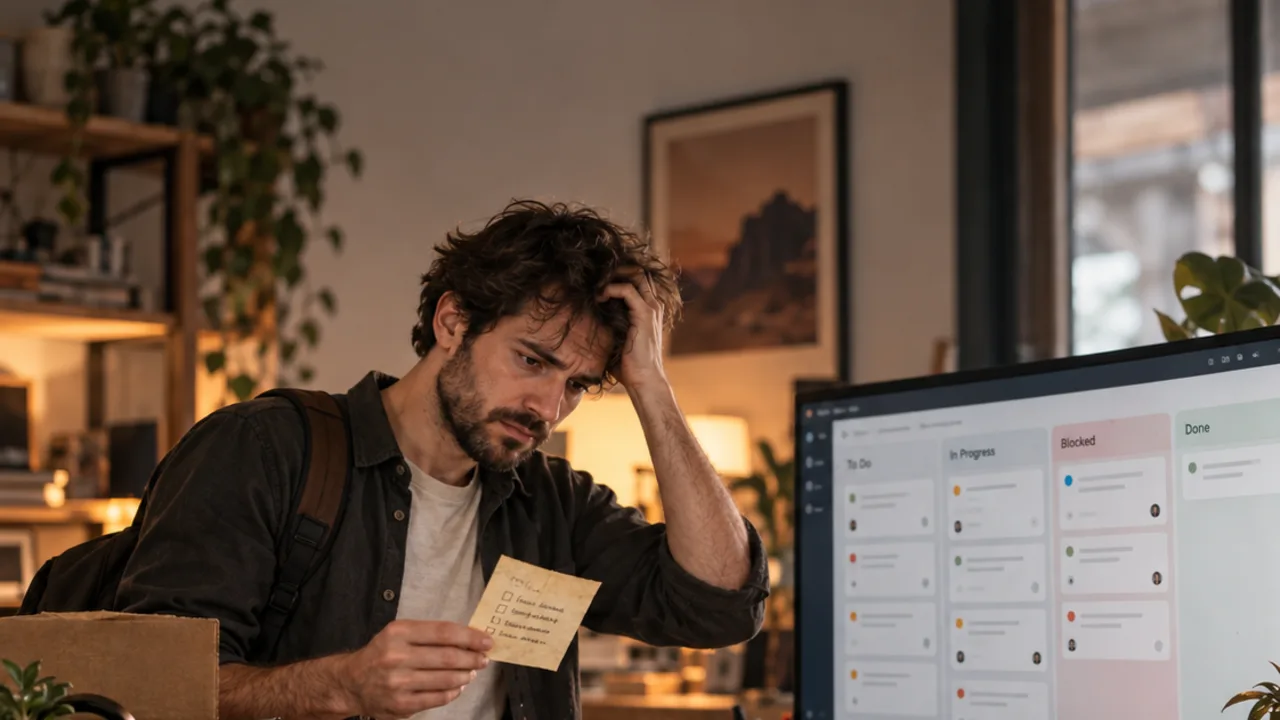
You're cleaning up your code folder and there it is: a project you were genuinely excited about in the spring. The core works. The README is half-written. The last commit is from June. You'd forgotten it existed.
It didn't fail. It didn't get cancelled. It just… stopped being looked at.
Part 5 of No Process — the quietest way a side project dies.
The short answer#
- Side projects rarely die from a decision; they disappear because nothing reminds you they exist.
- Keep every started project on one list you look at daily, even the ones you're not working on.
- Give every project an explicit state: active, waiting, parked or done — 'forgotten' shouldn't be possible.
- Park projects on purpose, with a one-line reason, so you can pick them up or kill them later with a clear conscience.
Projects vanish, they don't get killed#
Almost nobody decides to abandon a side project. What happens is simpler:
- A new idea arrives, and it's more exciting than the hard part of the current one.
- The old project isn't on anything you look at daily.
- A week later it's out of mind; a month later it's out of memory.
The same mechanism that buries blockers in a to-do list buries whole projects — only slower.
Everything started stays visible#
The fix is a rule, not a tool: every project you've started stays on one list you look at every day — including the ones you're not working on this week.
That list doesn't need detail. One line each: name, phase, next step, state. If you see it every morning, you can't forget it. You can only decide about it.
No project without a state#
Give every project one of a few explicit states:
- Active — moving this week.
- Waiting — blocked on something outside you (with the reason).
- Parked — deliberately paused (with the reason and, ideally, a date to look again).
- Done — shipped.
"Forgotten" isn't on the list. A project that isn't active, waiting or done must be parked on purpose — which forces a small decision instead of a slow disappearance.
Park with a reason#
When you park a project, write one line:
Recipe Box — parked 10-15: waiting to see if the tip app earns anything first. Look again: Dec.
That line is a gift to your future self. When you come back — see coming back after a break — you know why you stopped and whether the reason still holds. And if you decide to kill it, you can, cleanly. A clear won't-do list works the same way at the feature level.
Keep reading#
Frequently asked questions
Why do I never finish my side projects?
Often not because you gave up, but because they fell out of sight. When a project isn't on anything you look at daily, it gets replaced by the newest idea.
How do I keep track of all my side projects?
One list of every started project with an explicit state for each — active, waiting, parked, done — that you look at every morning.
Is it OK to abandon a side project?
Yes, if you decide it. Park or kill it with a written reason. What hurts is losing it by accident, with work half-done and nobody knowing why.
Sources
Related reading

Workflow & Productivity
No Process, Just Prompts: Why Solo AI Projects Fall Apart
Prompting without a process works for a weekend project and breaks at the third. The minimum process a solo dev needs so AI work adds up instead of piling up.

Workflow & Productivity
How Did I Run This Project Again? Write the Command Down
npm run dev? make serve? Which env file? You forget how to start your own projects. Why it happens with many repos and a tiny habit that ends it.

Workflow & Productivity
The Blocker Buried in Your To-Do List
A stuck task looks just like every other line on your list, so it sits there for a week. How to make blockers visible and deal with them first each day.