
How to Make Videos with Claude Opus 5.5 and Remotion (Real Example Inside)
How to make videos with Claude Opus 5.5 and Remotion: the setup, a real 15-second video we rendered, its code, and a starter prompt you can copy.
On this page · 9 sections
- The video Claude made (15 seconds, rendered with Remotion)
- How Remotion works, in plain English
- What Claude did, step by step
- The code behind one scene
- How to make videos with Claude and Remotion yourself
- What Remotion videos are good for (and what they are not)
- Tips from this build
- Which Claude should you use for video?
- Frequently asked questions
Can you make videos with Claude? Not directly: Claude writes text and code, not video files. But pair it with Remotion, a framework that turns React code into MP4 files, and you can go from a plain-language request to a rendered video without opening a video editor.
We tested it the honest way. We asked Claude Opus 5.5 for a blog post and an example video, and kept the numbers. Below is the video it made, the code behind it, what went wrong, and a prompt you can copy to make videos with Claude yourself.
The video Claude made (15 seconds, rendered with Remotion)#
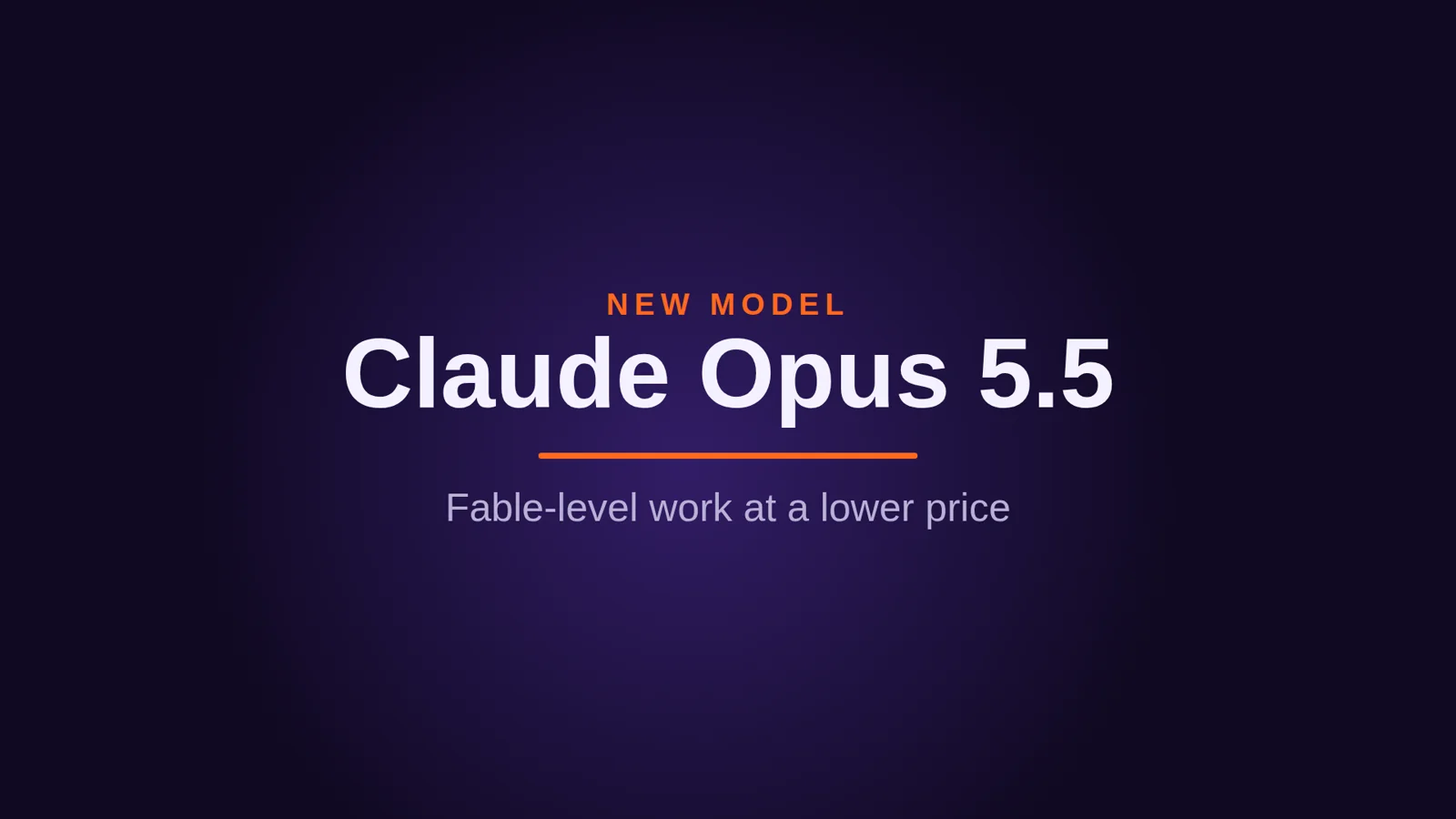
Here is the result: a short launch teaser for Claude Opus 5.5, with an animated title, a price chart and three stat cards. Every frame is React code. Nothing was drawn by hand or edited on a timeline.
The same code also renders a vertical version for TikTok, Reels and Shorts. We did not write a second video: the layout uses flexible rows and wrapping cards, so it rearranges itself for a 1080×1920 frame.
The real numbers from this build:
| What | Result |
|---|---|
| Model | Claude Opus 5.5, in Claude Code |
| Code | 145 lines across 3 files |
| Videos | 2 sizes (16:9 and 9:16) from 1 component |
| Length | 450 frames at 30 fps = 15 seconds |
| Render time | about 32 seconds per video on a 4-core cloud machine |
| File size | 1.4 MB per MP4 (H.264) |
| Fixes needed | 1 (a library version mismatch, see below) |
How Remotion works, in plain English#
Remotion treats a video as a function of time. You write a React component, and Remotion asks it: "what should frame 0 look like? Frame 1? Frame 449?" Then it takes a screenshot of every frame in a headless browser and stitches them into an MP4.
That model is why it suits Claude so well. Claude is strong at writing code, and here the video is code:
- A composition sets the size, frame rate and length (for example 1920×1080, 30 fps, 450 frames).
useCurrentFrame()tells a component which frame it is drawing.interpolate()maps frames to values: "fade opacity from 0 to 1 between frame 0 and frame 10."spring()gives natural, bouncy motion without you tuning keyframes.<Sequence>places scenes on the timeline: "the price chart starts at frame 90 and lasts 135 frames."
Because it is all code, you get things a normal editor makes hard: change one number and every video updates, feed in data to make 50 versions, and keep the whole thing in Git.
What Claude did, step by step#
The request was one line: write a blog post about Opus 5.5 making videos with Remotion, plus an example video. Claude chose the idea for the video itself: a launch teaser for the model the post is about, using facts from Anthropic's launch announcement.
Here is what happened next:
- Planned four scenes on a 15-second timeline: title (0 to 3 s), price chart (3 to 7.5 s), stat cards (7.5 to 12 s), call to action (12 to 15 s).
- Made it a template. The model name, prices, facts and link are props, checked by a schema. To make a video for a different launch, you change the data, not the animation code.
- Installed Remotion and wrote the code: an entry file, a root file with two compositions (landscape and vertical), and one 114-line component with the four scenes.
- Hit one error and fixed it. It first installed the wrong major version of
zod, the library Remotion uses to validate props. Remotion 4.0.532 expects zod 4, so Claude checked the version Remotion asks for and reinstalled the right one. - Checked its own work before rendering. It rendered single frames from each scene as images, looked at them, then did the same for the vertical version to make sure nothing overflowed.
- Rendered both MP4s and pulled a frame from every second into a contact sheet to confirm the transitions were clean.
Step 5 is the habit that matters most. Rendering a still takes a few seconds, rendering a full video takes much longer. Checking frames first catches layout problems cheaply. It is the same rule we follow in our guide to using Claude Opus 5.5: give the model a way to check its own work.
The code behind one scene#
You do not need to read code to use this workflow, but seeing a small piece makes the idea click. This is the stat card from the third scene. useRise is a tiny helper Claude wrote that uses spring() to fade a card in while it slides up 40 pixels:
const useRise = (delay = 0) => {
  const f = useCurrentFrame();
  const {fps} = useVideoConfig();
  const s = spring({frame: f - delay, fps, config: {damping: 14}});
  return {opacity: s, transform: `translateY(${(1 - s) * 40}px)`};
};

const Fact = ({value, label, delay}) =>
  <div style={{border: '3px solid #7544ef', borderRadius: 32, padding: '48px 36px', ...useRise(delay)}}>
    <div style={{color: '#ff681f', fontSize: 120, fontWeight: 800}}>{value}</div>
    <div style={{color: '#f4f1ff', fontSize: 40}}>{label}</div>
  </div>;
Each card gets a slightly later delay, which is why the three cards arrive one after another. The timeline itself is just four <Sequence> blocks:
<Sequence from={0} durationInFrames={90}><Title {...props}/></Sequence>
<Sequence from={90} durationInFrames={135}><Prices {...props}/></Sequence>
<Sequence from={225} durationInFrames={135}><Facts {...props}/></Sequence>
<Sequence from={360} durationInFrames={90}><Outro {...props}/></Sequence>
How to make videos with Claude and Remotion yourself#
You need Node.js on your computer and Claude Code (or any Claude plan where Claude can run commands). Then:
- Create a project. In a terminal, run
npx create-video@latestand pick a blank template. This sets up Remotion with a working preview. - Teach Claude Remotion's rules (optional, recommended). Inside the project, run
npx skills add remotion-dev/skills. These Agent Skills from the Remotion team give Claude Code tested guidance on compositions, animation, captions and rendering. We did not use them for this build, and it still worked, but they help on bigger projects. - Describe the video. Give Claude the whole brief at once (see the prompt below).
- Preview it. Run
npx remotion studioto open the Remotion Studio in your browser, scrub the timeline and ask Claude for changes in plain English. - Render it. Ask Claude to render, or run
npx remotion renderyourself. You get an MP4 in theoutfolder.
A starter prompt you can copy#
Make a 15-second video with Remotion in this project.

Goal: a launch teaser for [your product] to post on X and TikTok.
Scenes: 1) product name + one-line promise, 2) one chart or number that
proves it, 3) three short benefits as cards, 4) call to action: [your URL].

Style: dark background [#hex], accent color [#hex], bold sans-serif,
smooth spring animations, no stock footage, no audio.

Make it a template: put all text, numbers and colors in props.
Add two compositions from the same component: 1920x1080 and 1080x1920.

Before rendering, render a still from each scene in both sizes,
look at them, and fix anything that is cut off or hard to read.
Then render both MP4s to out/.
What Remotion videos are good for (and what they are not)#
Remotion is at its best when a video is built from text, numbers and graphics:
- Product launch teasers and changelog videos, like the one above.
- Data stories: animated charts, counters and leaderboards fed from a JSON file or an API.
- Social clips in several sizes from one template.
- Personalized videos at scale: the same video with a different name, city or number for each customer.
- Captions: turning a transcript into word-by-word animated subtitles.
It is the wrong tool for cutting camera footage, color grading or quick edits on a timeline. For that, a normal video editor is faster. Remotion can include existing video clips, images and audio, but the strength is in what you can generate.
If you would rather build something people can play than something they watch, we did a similar experiment where we made a 3D game with Claude in two prompts.
Tips from this build#
- Ask for a template, not a one-off. Putting text and numbers in props cost nothing extra and turned one video into a reusable tool.
- Use system fonts or bundle your own. Rendering happens in a headless browser. If a font is not available there, the video silently falls back to another one. We used a font that was installed on the machine.
- Check stills before you render. A still takes seconds, a full render takes much longer.
- Name the frame rate and length up front. "15 seconds at 30 fps" gives Claude a fixed timeline to plan scenes against.
- Keep facts in the video sourced. Every number in our teaser comes from Anthropic's launch post, linked below. A video spreads further than a blog post, so a wrong number travels further too.
- Check the license before client work. Remotion is free for individuals and very small companies, but larger companies need a company license.
Which Claude should you use for video?#
For a first video, Claude Opus 5.5 at its default effort is plenty. Animation code is short and Opus 5.5 writes it quickly. Raise the effort level for long, multi-scene videos or when you want Claude to plan a whole series of templates. If you are deciding between models, our comparison of Opus 5.5, Fable 5.1 and Sonnet 5.5 covers prices and strengths, and the complete Claude guide explains which plans include Claude Code.
The short version: describe the video, let Claude write it as React, check a few frames, render. Fifteen seconds of video from 145 lines of code, and the next version is one prop change away.
Frequently asked questions
Can Claude make videos?
Claude does not output video files by itself, but it can write the code for one. With Remotion, a video is a React component, so Claude writes the component and Remotion renders it to an MP4. The 15-second video in this post was made that way.
Do I need to know React to make videos with Claude and Remotion?
Not for a first video. You describe what you want and Claude writes the code. It helps to know enough to change a text string or a color yourself, and to run two commands: one that opens the preview and one that renders the file.
Is Remotion free?
Remotion is free for individuals, for-profit companies with up to 3 employees, and non-profits, including for commercial videos. Larger for-profit companies need a paid company license. Check the license file in the Remotion repository for the current terms.
What are Remotion Agent Skills?
They are a set of instructions published by the Remotion team that teach coding agents such as Claude Code how to use Remotion correctly: compositions, animation helpers, captions, rendering and more. You add them to a project with npx skills add remotion-dev/skills.
What kind of videos is Remotion good for?
Videos built from data, text and graphics: launch teasers, stat and chart animations, captioned clips, product explainers and many versions of one template. It is not a replacement for editing camera footage on a timeline.
How long does it take to render a Remotion video?
It depends on the length, size and machine. Our 15-second 1920x1080 video at 30 fps took about 32 seconds to render on a 4-core cloud machine, and the vertical version took about the same.